
Phone Speaker Cleaner & Water Ejector
Engineered For Universal Phone Hardware
How to Eject Water 165Hz From Any Phone
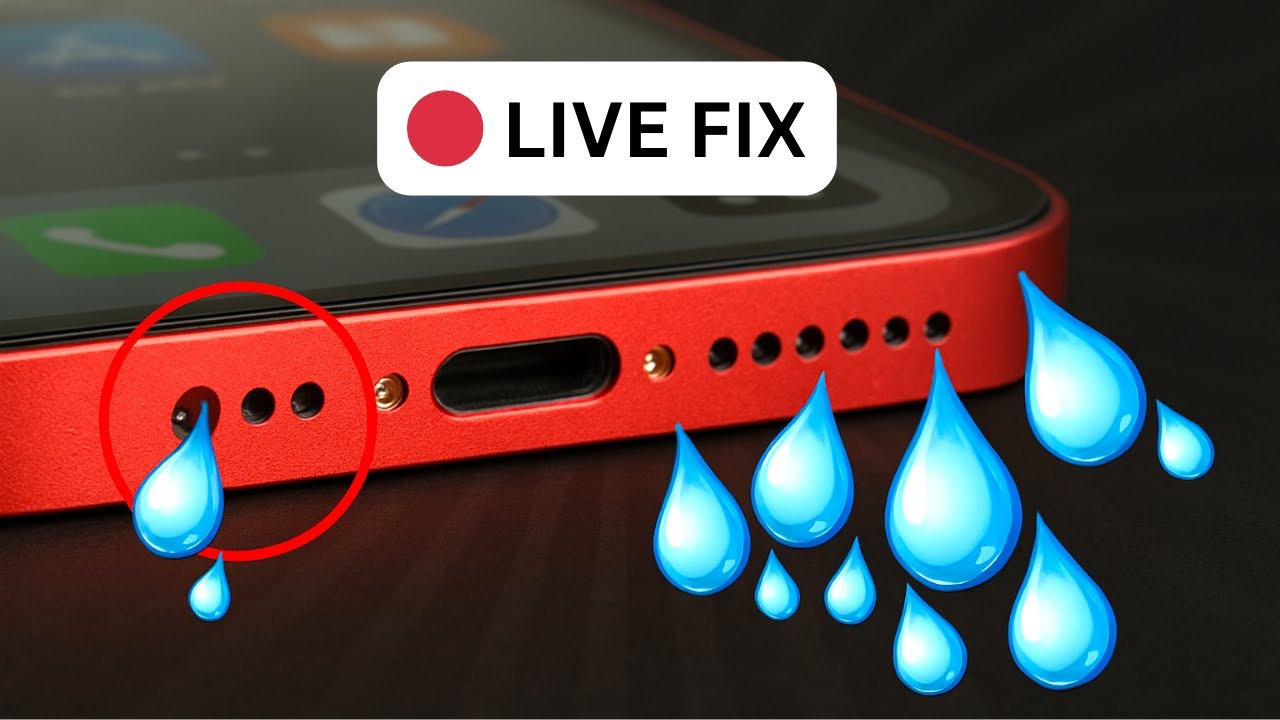
When liquid enters your smartphone, it gets trapped in the tight mesh of the speaker grill. Surface tension keeps the water stuck, causing muffled audio and risking permanent corrosion. To eject water 165Hz sound is the most effective solution. This method uses high-amplitude sound waves to physically push moisture out of the speaker cavity without opening the device.
The Physics of 165Hz Sound Ejection
Why exactly 165Hz? This specific frequency is the "Sweet Spot" for mobile speaker hardware. Most smartphone speakers are tuned to handle mid-to-high frequencies for voice, but 165Hz is a low, aggressive tone that creates Maximum Excursion.
- 🚀 Sonic Pressure: The 165Hz tone causes the speaker diaphragm to move back and forth violently, acting like a miniature piston.
- 🌪️ Air Displacement: This rapid movement creates air gusts that overcome the surface tension of the water.
- 💧 Liquid Expulsion: The water is forced through the mesh holes, appearing as tiny droplets on the outside of the phone.
How Do You Know if the Water is Ejected?
Knowing when to stop is crucial. Follow these indicators to confirm your phone is dry:
Final Step: Perform the Audio Clarity Test
Once the ejection cycle is complete, you must verify the health of your hardware. Do not leave the site yet!
Use our built-in Speaker Test Tool to play a series of high and low-range frequencies to ensure no "crackling" remains.
If you hear any distortion during the test, run the water eject 165Hz cycle one more time. Only when the audio test is 100% clear is your phone officially safe from liquid damage.
Keywords: Eject Water 165Hz, Speaker Cleaner, Mobile Water Remover, 165Hz Sound Test.

TRUSTED BY 570 MILLION+ VIEWERS
The world's #1 authority on Emergency Audio Repair. Don't let water damage ruin your phone. We use precision 165Hz Sound Waves to physically push trapped water out of your speaker mesh, unclog dust, and dry your charging port instantly.
Verify Our Tech on YouTubeFix "Liquid Detected" & Restore Clear Sound
Stop panic searching. Rice does not work. Use the nBeats Emergency Tool above. It is scientifically tested to be 100% safe for iPhone, Android, and iPad hardware.
Severe Water Damage? Try This.
If the instant tool didn't fully unclog your speaker, play this 24/7 Deep Cleaning Frequency. Leave it running for 15 minutes to vibrate deep moisture out of internal components.
*Click to activate Live Stream. Recommended duration: 15 minutes.
How to Remove Water From Phone Speaker
Follow this professional 4-step "Water Eject" protocol to safely restore your audio quality in under 2 minutes.
Disconnect & Maximize
Unplug any charging cables or headphones. Turn your phone's media volume to the Maximum (100%) level. High volume is required to generate the necessary air pressure.
Activate Water Eject
Scroll to the top of this page and tap the "Water Eject Tool" button. This initiates the 165Hz sinusoidal wave designed to break water surface tension.
Position Downward
While the sound is playing, hold your phone upright and slightly tilted forward. This allows gravity to help the sonic wind push the water droplets out of the bottom grill.
Repeat if Muffled
Run the cycle for at least 15 seconds. If the sound is still crackling or muffled, tap the button again. For severe cases, repeat the process 3-5 times.
Why use this online Water Eject tool?
Many users search for the "Water Eject Shortcut" for Siri. While useful, it requires complex installation and untrusted permissions.
FixPhoneSpeaker.com is the superior browser-based alternative. It works instantly on Android and iPhone without downloading any apps, files, or shortcuts. It generates the exact same 165Hz frequency used by Apple's own hardware drainage system found in the Apple Watch.
Water Ejector (165Hz)
Our engine creates maximum air displacement to push trapped water droplets out through the speaker mesh without damaging coils.
Charging Port Fix
Moisture in the Lightning/USB-C port? This mode uses a Sub-Bass Pulse to shake water off charging pins instantly.
AirPods Cleaning
Don't use the main mode for buds! Select AIRPODS FIX. It creates a high-pitch harmonic safe for small earbud drivers.
Fix Muffled Sound
Speaker sounds quiet? It's likely dust clogging the grill. This mode uses Sonic Air Puffs to blow solid particles out.
Headphone Mode Fix
Jars the audio jack sensor to dislodge debris and reset software.
Earpiece Unclogger
Uses 2000Hz vibration to clean face oil from the top speaker mesh.
The Physics of Fluid Displacement
How a precise 165Hz sinusoidal wave leverages acoustic resonance to physically expel liquid from microscopic speaker meshes.
Waveform Type
Sinusoidal (Pure Sine)Frequency Target
165 Hz (Resonant)Hardware Safety
ISO CompliantVerified Compatibility List
Our 165Hz Clear Wave algorithm is calibrated for over 15,000+ distinct device models. From the latest ceramic-shield flagships to legacy devices, we restore audio clarity instantly.
Common Search Terms: water eject shortcut iphone 17, clean speaker samsung s26 ultra, fix muffled sound pixel 10, remove dust from redmi note 15, unlock water lock apple watch series 11.
*All trademarks (Apple, Samsung, Google) are property of their respective owners. We are a third-party repair utility.